Custom Mascots
Custom Backgrounds
Logo Upload
Create a custom Jeopardy game with your logo, colors, mascots, and sounds. No design skills required.
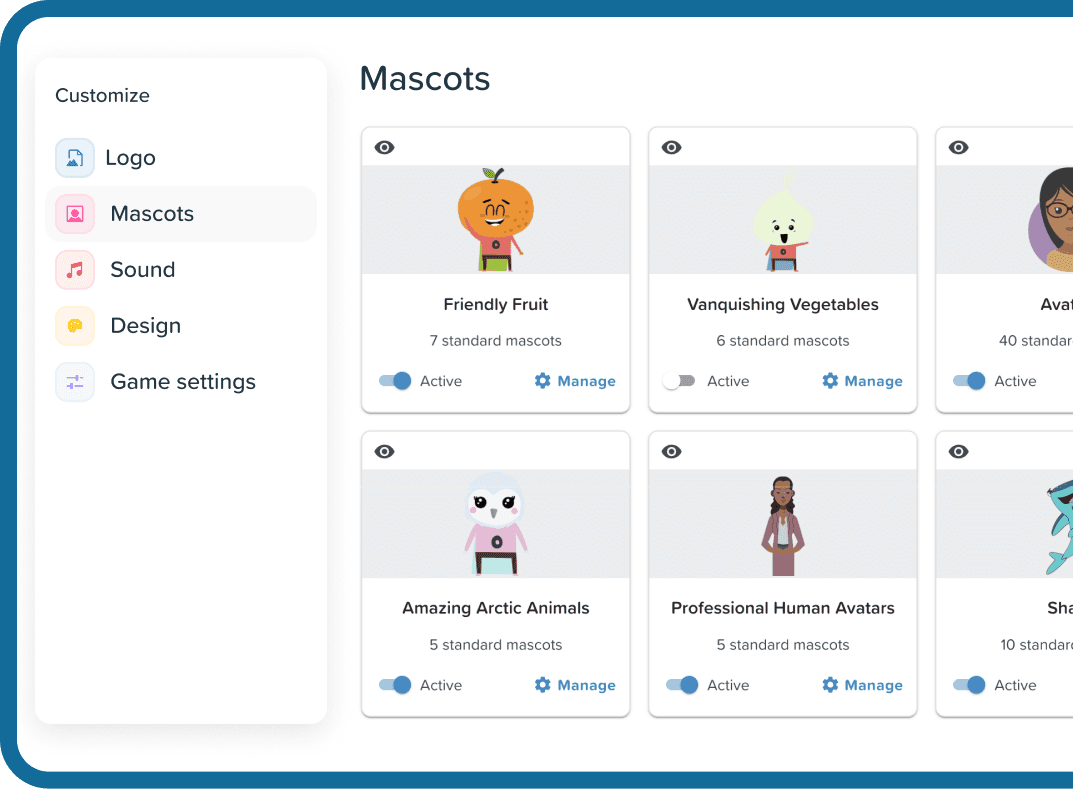
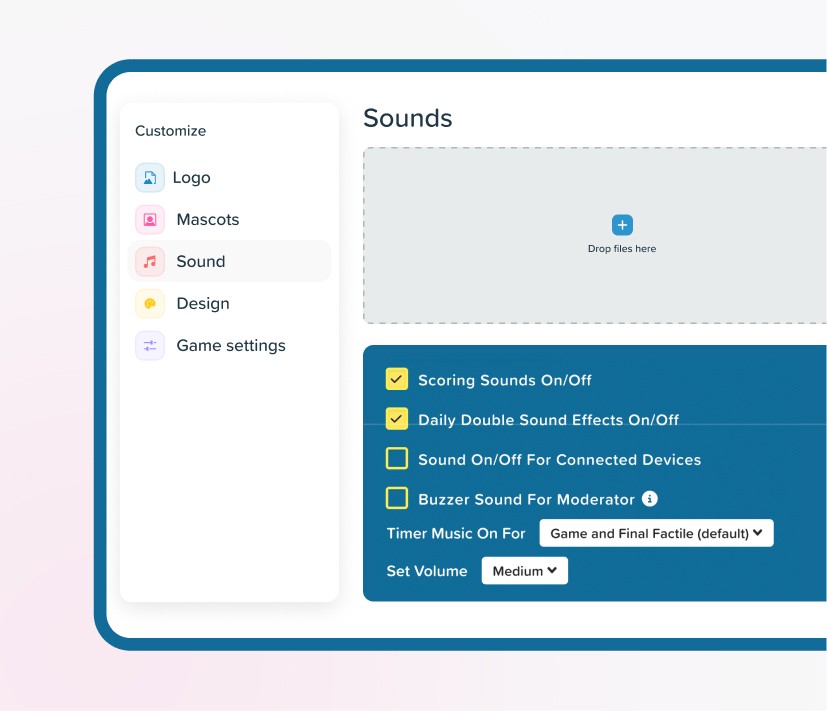
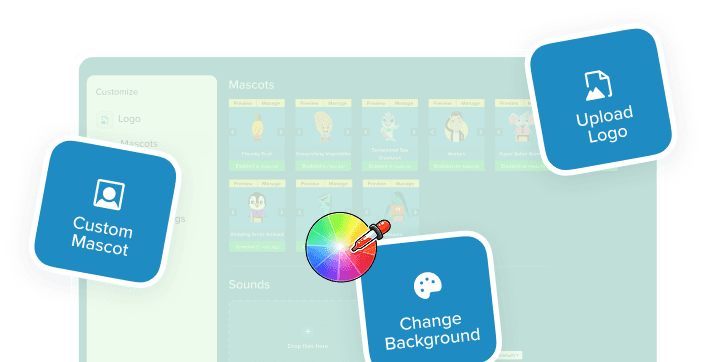
Game Customization is Factile's suite of personalization tools for creating a trivia game that matches your style. Choose custom colors and backgrounds, add your own mascots, tailor display settings and gameplay settings, upload your logo, and set custom sounds — all from one simple settings panel. It's designed for teachers to personalize classroom reviews, companies running branded team-building events, and event hosts creating memorable game show experiences.


See why Factile offers the most customization options for Jeopardy-style games

Custom Mascots
Fully customizable
Upload your own, name mascots, enable/disable, manage categories
Basic
Pre-set avatars only, no uploads
Display Settings
Comprehensive options
Font sizes, case display, custom notifications, toggle question/answer
Basic
Few options, limited control
Custom Sounds
Complete audio control
Timer music, scoring sounds, Daily Double effects, volume control
None
Default sounds only, no customization
Themes & Colors
Full design control
Background images, board colors, tile colors, text colors
Limited
Pre-set themes, basic color options
Point Customization
Highly flexible
Custom values per row, custom symbols ($, €, *), numbered tiles option
Fixed
Standard 100-500 only, no custom symbols
Logo Upload
Full logo support
Upload PNG/JPG, multiple positions, name & manage logos
Limited
No logo upload, generic branding only







01
Go to Customize
Open the Customize page from your dashboard
02
Upload Content
Add mascots, sounds, backgrounds, and logos

03
Adjust Settings
Set colors, fonts, points, and display options
04

Play Your Game
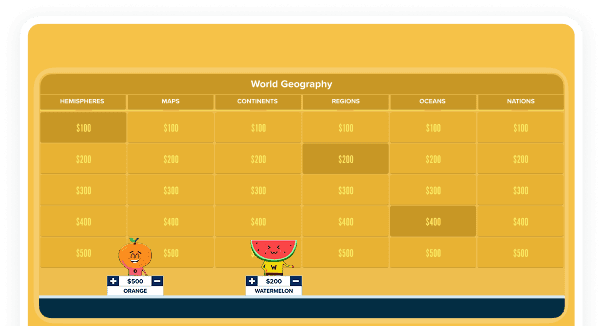
Your customizations appear automatically