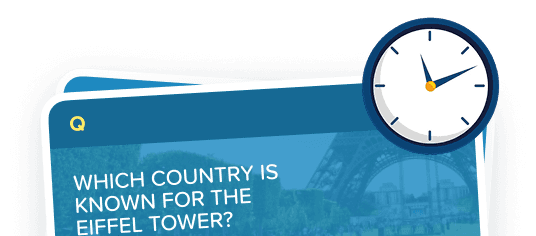

Factile's Flashcard mode turns any question set into an interactive flashcard game you can play right in your browser. No app, no downloads, no pressure. Great for students, teachers, and anyone who loves a good quiz.
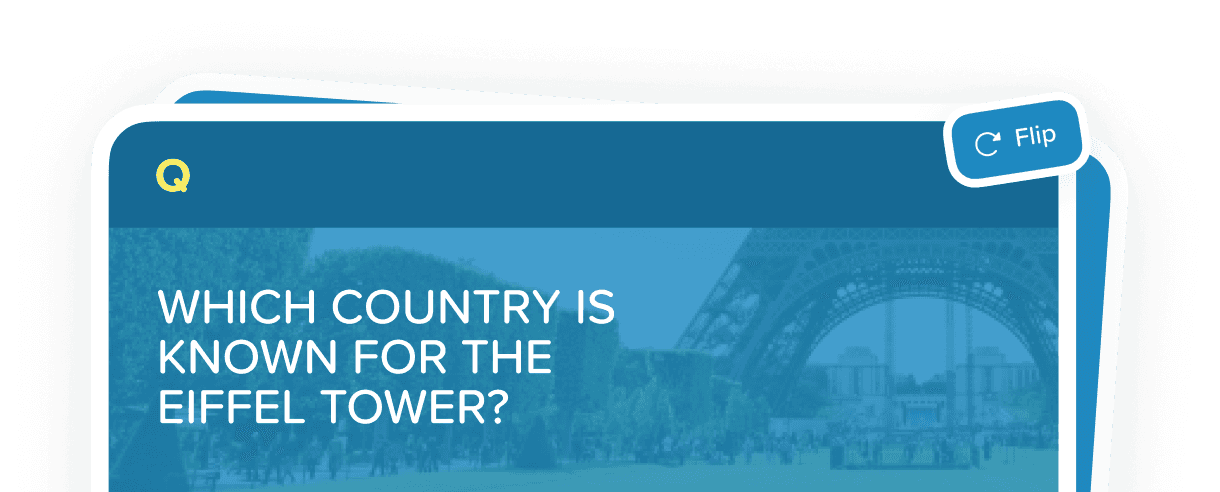
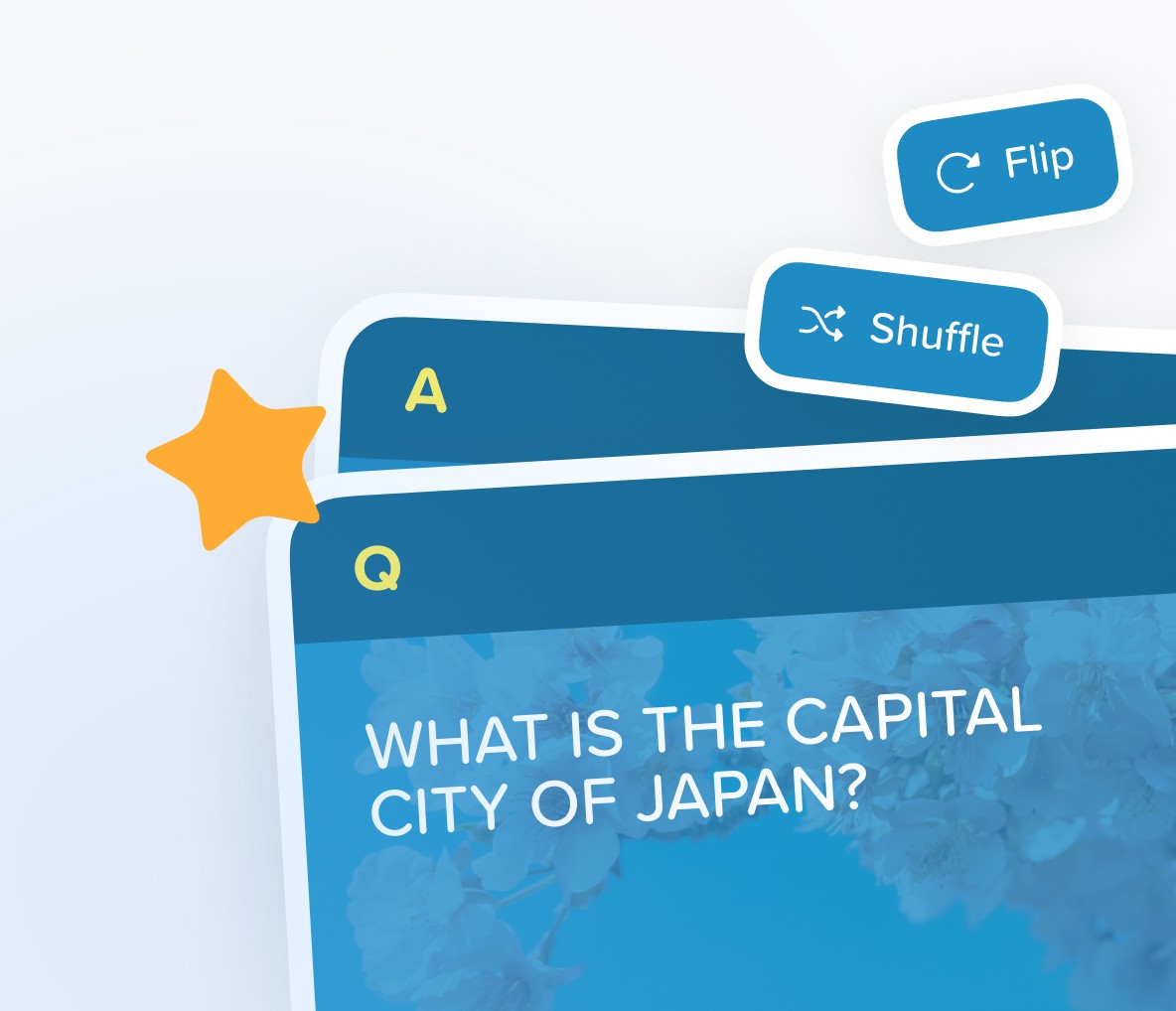
Factile's Flashcard Mode is a self-paced study tool that transforms any game board into a digital flashcard deck. Each card displays a question or term on the front; clicking the card (or pressing the spacebar) flips it to reveal the answer. Users can track progress with a built-in progress bar, star cards they want to revisit, shuffle the deck to prevent pattern memorization, and even listen to cards read aloud, making it one of the most accessible and effective flashcard game experiences available online.
01

Open Your Deck
Select any Factile game and choose Flashcard mode. Your question set loads instantly as a digital card deck ready to study.
02

Read the Card
The front of the card displays a question, term, or prompt. Review it carefully before revealing the answer.
03

Flip to Reveal
Click the card or press the spacebar to flip it and see the answer. Assess whether you got it right. No pressure, just learning.
04

Star or Shuffle
Star cards you want to review again later, or hit Shuffle to randomize the order and keep your brain guessing. Track your progress with the real-time progress bar.
Flashcard Features








Students & Independent Learners
Pre-exam review sessions
Vocabulary and terminology drills
Math formula practice
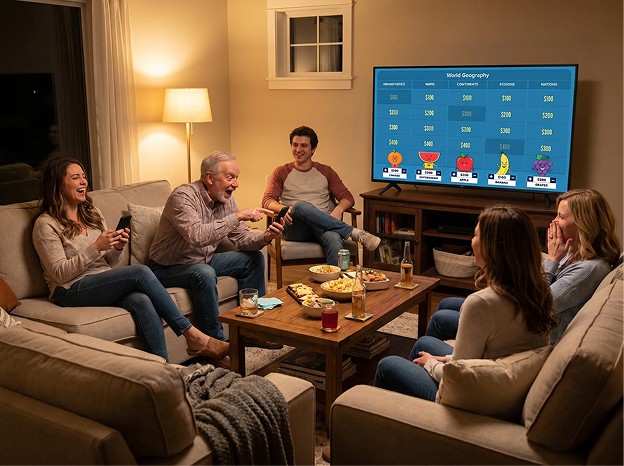
Families & Casual Players
Game night warm-up rounds
Fun trivia practice at home
Anyone who loves a quick quiz
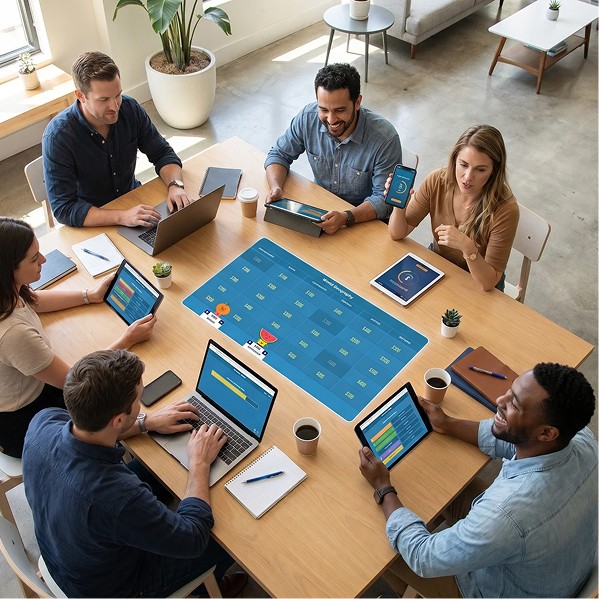
Teams & Trainers
Employee onboarding self-study
Compliance terminology review
Product knowledge refreshers


Active Recall That Sticks
Flipping cards and self-testing is one of the most research-backed study techniques. It moves knowledge from short-term recognition to long-term retention, whether you are cramming for a test or brushing up on trivia.