Factile logo

Ways to Play

Features

Use Cases

English

Factile logo

Play an Interactive Choice Game at Your Own Pace

Play an Interactive Choice Game at Your Own Pace

Factile's Interactive Choice mode turns any Jeopardy-style board into a self-paced experience. Players join from any device, answer questions on their own schedule, and get instant feedback. Hosts track every answer and score in real time, with no live moderation required.
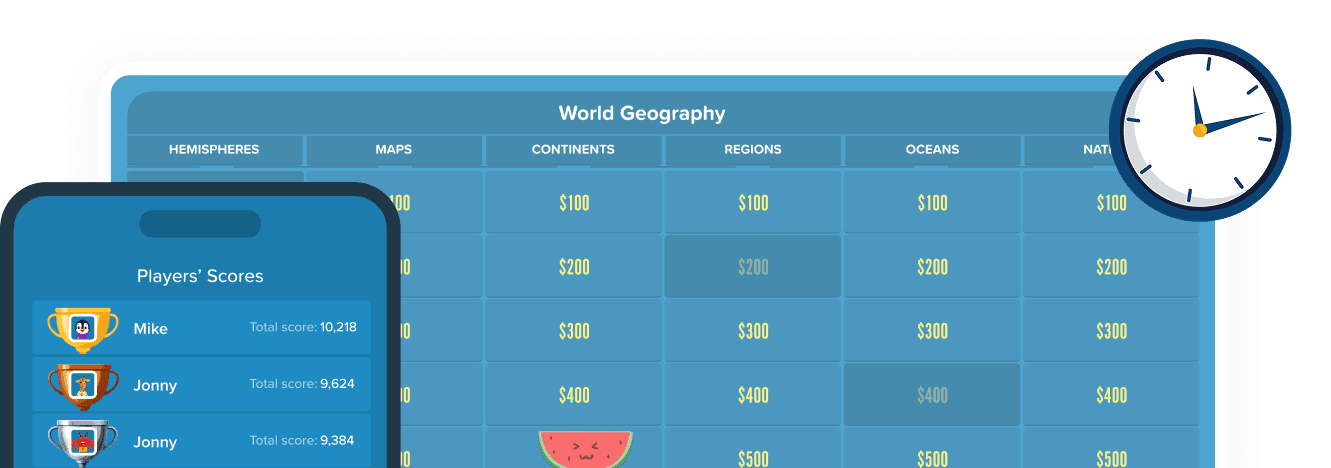
Factile game board showing World Geography categories and point tiles next to a mobile screen listing players' scores with trophy icons, and a clock face
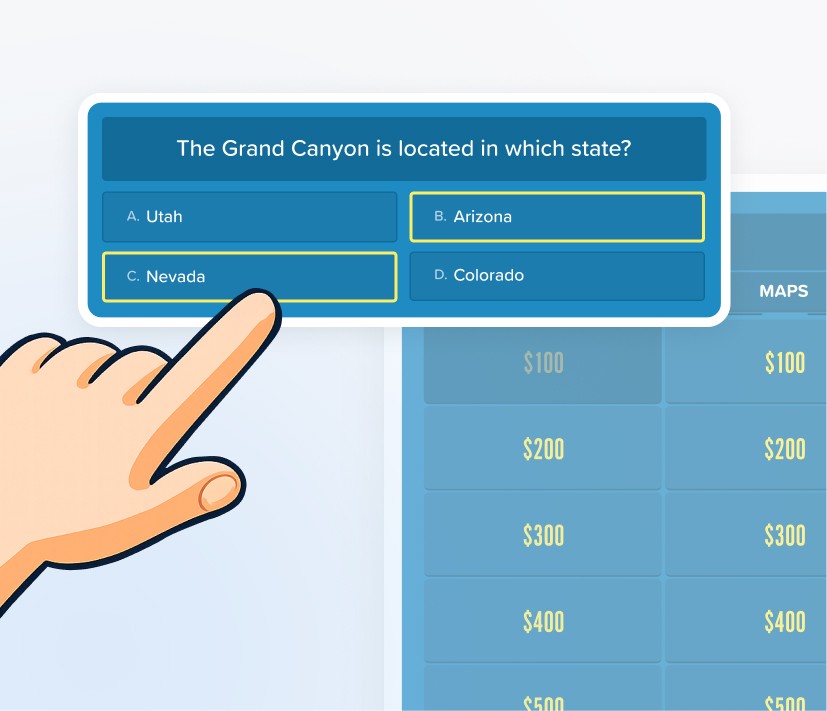
Multiple choice question card asking which state the Grand Canyon is located in with four lettered answer options, with a hand pointing at option C

What is Interactive Choice Mode?

What is Interactive Choice Mode?

Interactive Choice Mode is a self-paced Jeopardy quiz format where individual players work through a question board on their own schedule. No live host is needed once the game starts. Players join via a link or QR code, select questions, and receive immediate feedback after every answer. Hosts can layer in timers, PIN protection, joker card hints, and a wrong-answer limit to tailor the session for any learner or audience. It is ideal for asynchronous learning, remote study, and independent training.

How Interactive Choice Mode Works

How Interactive Choice Mode Works

01

QR code icon

Configure and Share

Set all gameplay options including PIN protection, timers, joker cards, and the wrong-answer limit. The game then generates a shareable URL and QR code that can be sent via link, email, Google Classroom, Remind, or social media.

02

Blue tile icon with a watermelon mascot

Join and Choose a Mascot

Players open the link on any device, enter a name, and select a mascot. The Factile board appears immediately and players begin selecting categories and point values at their own pace.

03

Sparkle/star icon representing a scored answer

Answer and Get Instant Feedback

A correct response is confirmed and the score updates automatically. An incorrect response shows an answer hint (if enabled) to reinforce the concept before the player moves on. Players can also use Joker Cards for additional hints during the session.

04

Trophy icon with a penguin mascot inside

Complete the Game and Check the Leaderboard

Players continue through the board until all questions are answered, the wrong-answer limit is reached, or the time limit expires. At the end, players can review their score and see how they rank against others.

Interactive Choice Mode Features

Interactive Choice Mode Features

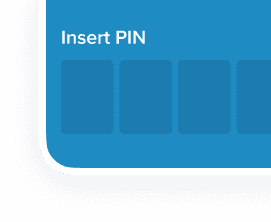
PIN Protection

Keep the game private and secure for assessments or restricted training groups by requiring a PIN on entry.

Insert PIN screen with four empty input boxes

PIN Protection

Keep the game private and secure for assessments or restricted training groups by requiring a PIN on entry.

Insert PIN screen with four empty input boxes

Answer Hints on Incorrect

When a player answers wrong, a hint appears instantly to guide them toward the correct answer.

Blue card with a light bulb icon labeled Hint

Answer Hints on Incorrect

When a player answers wrong, a hint appears instantly to guide them toward the correct answer.

Blue card with a light bulb icon labeled Hint

Joker Cards

Each player gets up to 3 joker cards per session: 50-50 (cuts options in half), Audience Poll (simulates a crowd hint), and Phone a Friend.

Two overlapping cards showing a colorful bird illustration

Joker Cards

Each player gets up to 3 joker cards per session: 50-50 (cuts options in half), Audience Poll (simulates a crowd hint), and Phone a Friend.

Two overlapping cards showing a colorful bird illustration

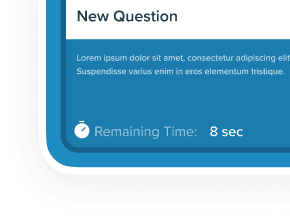
Per-Question Timer

Set a custom countdown (e.g., 10 seconds) for each individual question, keeping players focused and on track throughout the session.

Question card with a countdown timer showing 8 seconds remaining

Per-Question Timer

Set a custom countdown (e.g., 10 seconds) for each individual question, keeping players focused and on track throughout the session.

Question card with a countdown timer showing 8 seconds remaining

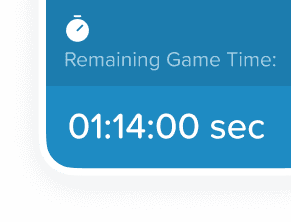
Game Session Timer

Define a total session window (e.g., 1 hour 30 minutes) so the game ends automatically when the time expires.

Blue card showing remaining game time counting down from 1 hour 14 minutes

Game Session Timer

Define a total session window (e.g., 1 hour 30 minutes) so the game ends automatically when the time expires.

Blue card showing remaining game time counting down from 1 hour 14 minutes

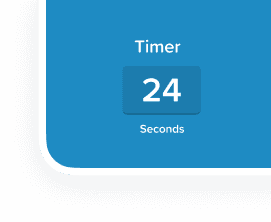
Visible Countdown on Screen

Display the remaining game time on every participant's screen so players always know how much time is left.

Blue card showing a 24 second timer

Visible Countdown on Screen

Display the remaining game time on every participant's screen so players always know how much time is left.

Blue card showing a 24 second timer

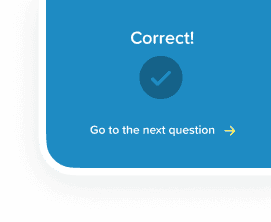
Continuous Play Mode

Players move seamlessly from one question to the next with no interruption, maintaining momentum throughout the entire session.

Blue card reading Correct with a checkmark and a go to next question link

Continuous Play Mode

Players move seamlessly from one question to the next with no interruption, maintaining momentum throughout the entire session.

Blue card reading Correct with a checkmark and a go to next question link

Live Analytics Dashboard

Monitor participant progress, view answer breakdowns, track time spent per question, and export results to CSV.

Bar chart with yellow and pink bars representing analytics data

Live Analytics Dashboard

Monitor participant progress, view answer breakdowns, track time spent per question, and export results to CSV.

Bar chart with yellow and pink bars representing analytics data

Who Is This Mode Best For?

Who Is This Mode Best For?

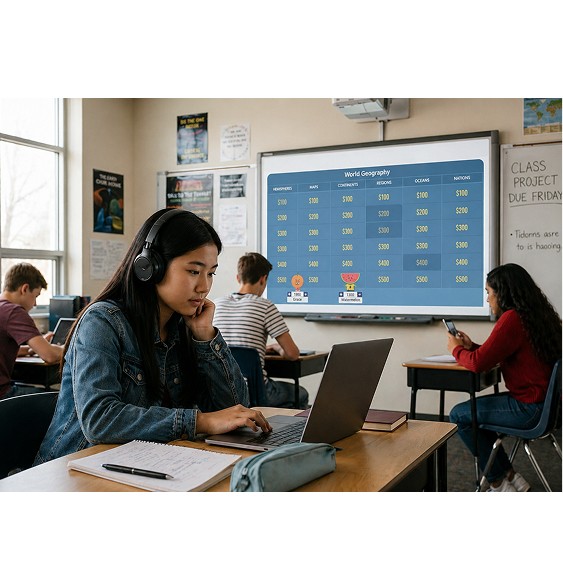
Student wearing headphones working on a laptop in a classroom with a trivia game board displayed on a smartboard

Students and Self-Learners

Solo exam prep, homework practice, and self-checking without a teacher present.
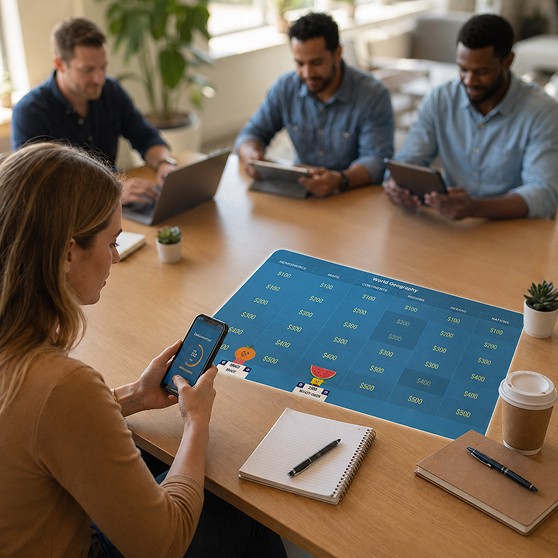
Group of coworkers at a table with a woman holding a phone showing a trivia game screen next to a tablet displaying the same game board

Teachers and Instructors

Asynchronous classroom assignments, formative assessments with time limits, and tracking individual student progress with live analytics.

Three side-by-side photos of people on video calls playing a trivia game from an office and home settings

Corporate Trainers

On-demand compliance checks, self-guided onboarding modules, and knowledge refreshers between live sessions.

Why People Love Interactive Choice Mode

Why People Love Interactive Choice Mode

Learn at Your Own Pace

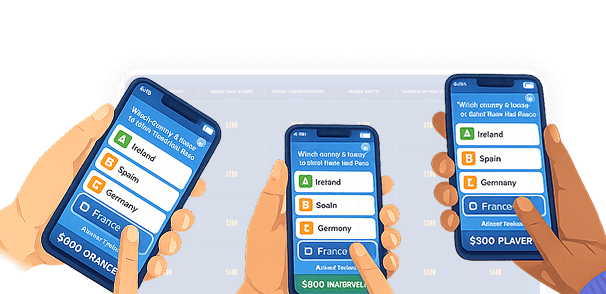
No waiting for a host or other players. Every participant moves through the board on their own schedule, making it perfect for asynchronous and remote learning environments.

Three hands holding phones displaying multiple choice answer options with country names and point values

Learn at Your Own Pace

No waiting for a host or other players. Every participant moves through the board on their own schedule, making it perfect for asynchronous and remote learning environments.

Three hands holding phones displaying multiple choice answer options with country names and point values

Immediate Feedback Loop

Hints on incorrect answers, instant scoring, and joker card support give players real-time reinforcement. Knowledge sticks far more effectively than passive review or re-reading notes.

Illustrated character in glasses and a beanie smiling next to a lit light bulb and colorful joker cards

Immediate Feedback Loop

Hints on incorrect answers, instant scoring, and joker card support give players real-time reinforcement. Knowledge sticks far more effectively than passive review or re-reading notes.

Illustrated character in glasses and a beanie smiling next to a lit light bulb and colorful joker cards

Full Visibility for Hosts

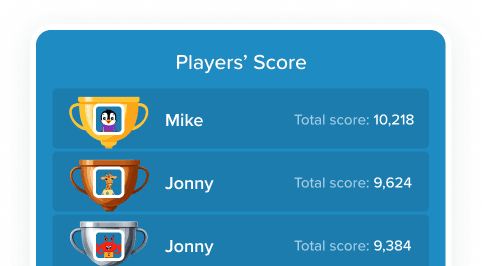
The Interactive Choice dashboard gives moderators a live view of every player's progress, answer accuracy, and time spent per question, all without needing to be present in the game itself.

Players' Score panel showing player names with gold, silver, and bronze trophy icons and total scores

Full Visibility for Hosts

The Interactive Choice dashboard gives moderators a live view of every player's progress, answer accuracy, and time spent per question, all without needing to be present in the game itself.

Players' Score panel showing player names with gold, silver, and bronze trophy icons and total scores

What Users Say About Interactive Choice Mode

What Users Say About Interactive Choice Mode

  • "Used the interactive format for a training refresher. Everyone could go at their own speed and it tracked completion for me."

    Steph D.

  • "I like this mode for test prep because students get immediate feedback on each answer."

    Bruce W.

  • "Interactive choice format is great for individual practice. Each student works through it on their own and I can see everyone's progress in real time."

    Gloria P.

Frequently Asked Questions

Frequently Asked Questions

What is an interactive choice game?

How do players join an Interactive Choice game on Factile?

Can teachers monitor students while they play?

What are Joker Cards and how do they work?

Can I set a time limit for the game?

How is Interactive Choice Mode different from Choice Mode?

What is an interactive choice game?

How do players join an Interactive Choice game on Factile?

Can teachers monitor students while they play?

What are Joker Cards and how do they work?

Can I set a time limit for the game?

How is Interactive Choice Mode different from Choice Mode?

Explore More Ways to Play a Jeopardy Game on Factile

Explore More Ways to Play a Jeopardy Game on Factile

Illustrated hand pressing a pink Buzz button on a colorful starburst background

Trusted by 2M+ Educators and Teams

7-day money-back guarantee

Works in Any Browser

Join thousands of educators and trainers using Factile's Jeopardy game maker to build engaging, self-paced learning experiences. Configure your settings, share a link, and let your players learn at their own pace while you track every answer in real time.

Illustrated hand pressing a pink Buzz button on a colorful starburst background

Trusted by 2M+ Educators and Teams

7-day money-back guarantee

Works in Any Browser

Whether you're teaching a class, running a training session, or just want to play a Jeopardy game on your own, Factile's Self-Paced Mode makes it easy. Build a board once and play it your way, any time.

Illustrated hand pressing a pink Buzz button on a colorful starburst background
  • Trusted by 2M+ Educators and Teams

  • 7-day money-back guarantee

  • Works in Any Browser

Join thousands of educators and trainers using Factile's Jeopardy game maker to build engaging, self-paced learning experiences. Configure your settings, share a link, and let your players learn at their own pace while you track every answer in real time.