Share in seconds
Question Banks
Share and Collaborate
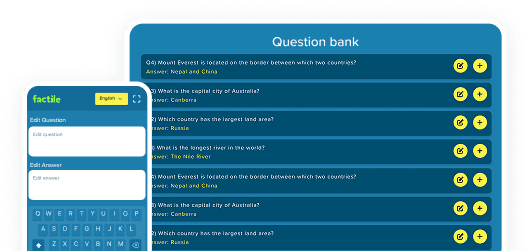
Get your game in front of players quickly via link, embed, or classroom tools. Collaborate with colleagues on games and Question Banks.
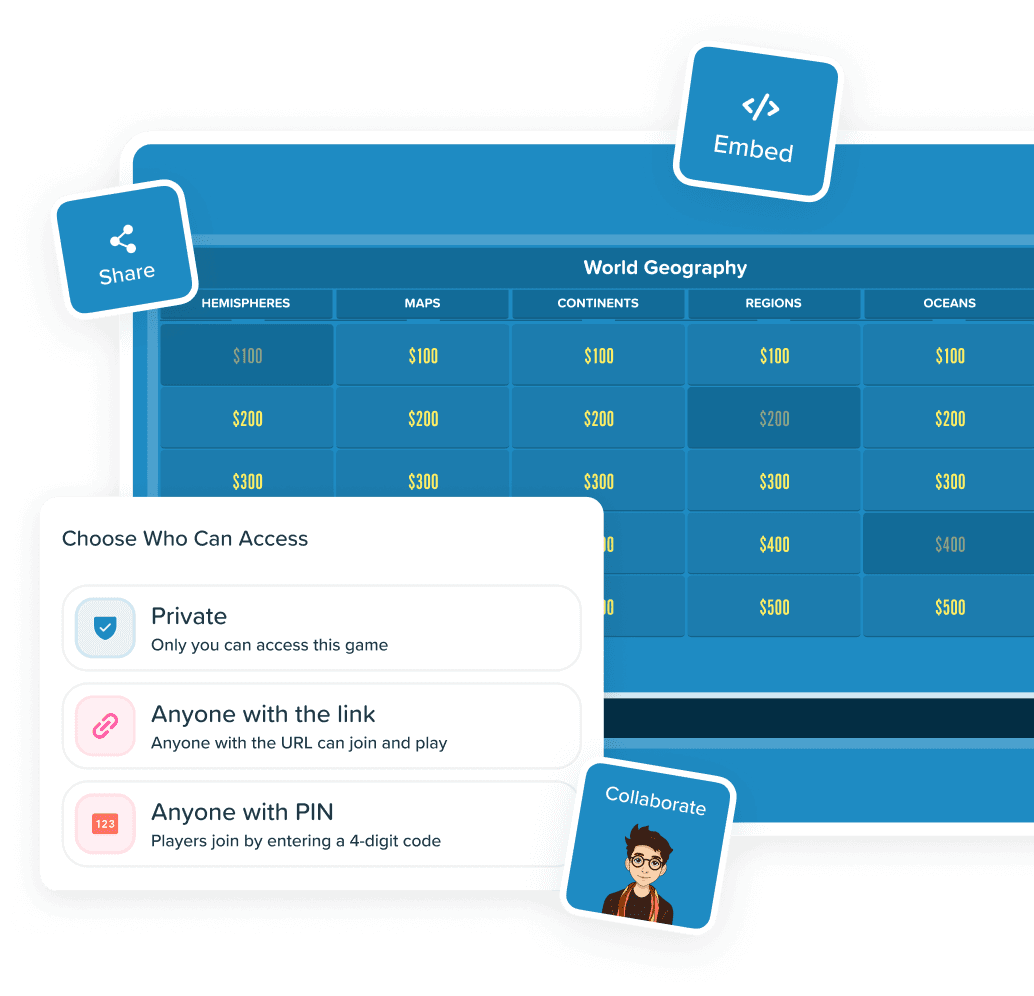
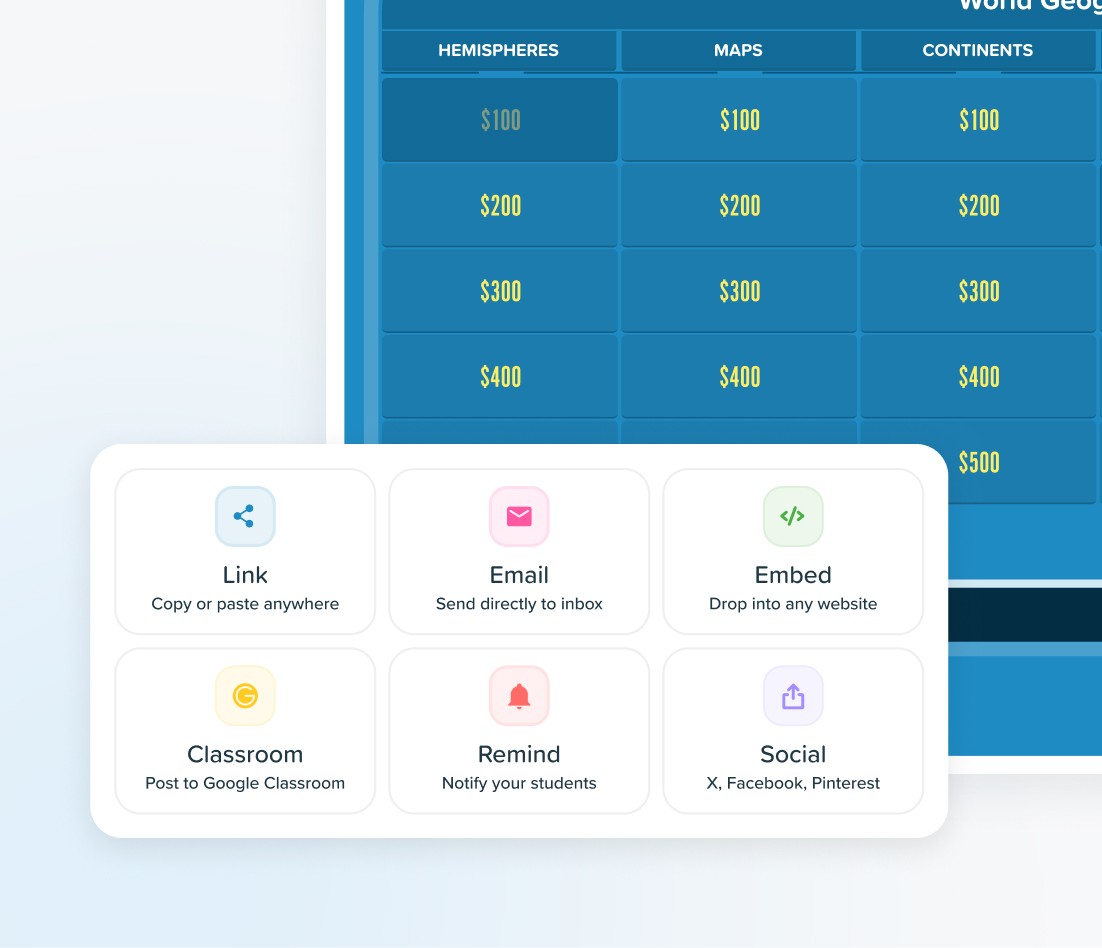
Sharing & Collaboration in Factile covers distributing games to players and collaborating with other Factile users. Share a Jeopardy or trivia game via link, post to Google Classroom or Remind, or embed on a website — players join instantly with no account required. Control access with three levels: Private, Anyone with Link, or Anyone with Share PIN. To collaborate, share games and Question Banks with fellow teachers, trainers, or co-hosts as Viewers or Editors so your team builds content together-one of many reasons Factile is the most complete Jeopardy Game Maker available.


See why Factile has the most sharing and collaboration options for Jeopardy-style games

Sharing & Distribution
Multiple channels
Link, Email, Embed, Google Classroom, Remind
Limited
Link only
Embed Formats
4 embed formats
Factile, Flashcards, Choice, Memory
Basic
Single format or none
Collaboration
Games + Question Banks
Collaborate as Viewer or Editor "Shared with Me", dashboard
None
No collaboration features
LMS Integration
Native integration
Google Classroom, Remind
Manual
Copy/paste links only
Share Settings
Full control
Colors, backgrounds, tiles, text, fonts
Optional mascots & sounds
None
No control over shared appearance






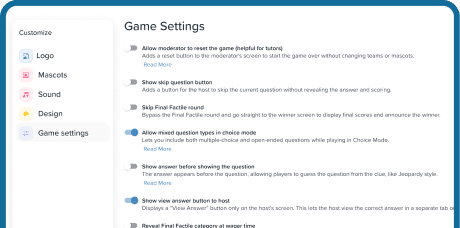
01
Choose a Game
Pick the game you want to share from My Games.

02

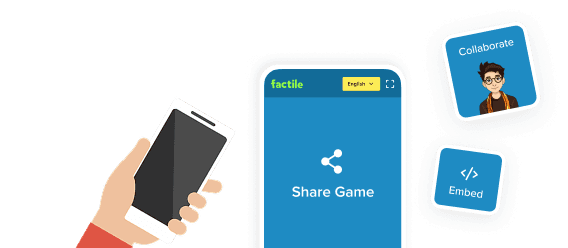
Click Share
Use the share icon from the dashboard, editor, or Play screen.

Share or Collaborate
Distribute via link, embed, or LMS—or invite a colleague as Viewer or Editor.
04

Set Access & Send
Choose your privacy level and which settings transfer, then send.