Run a Jeopardy-style game for a five-minute icebreaker, a standing Fun Friday, a training session, or a 500-person all-hands. You can build any of them in about two minutes. Buzzers, scoring, and AI game creation are all handled. Your team just joins from their phones.
Used by







plus thousands more worldwide. Add your own logo to brand the whole thing.

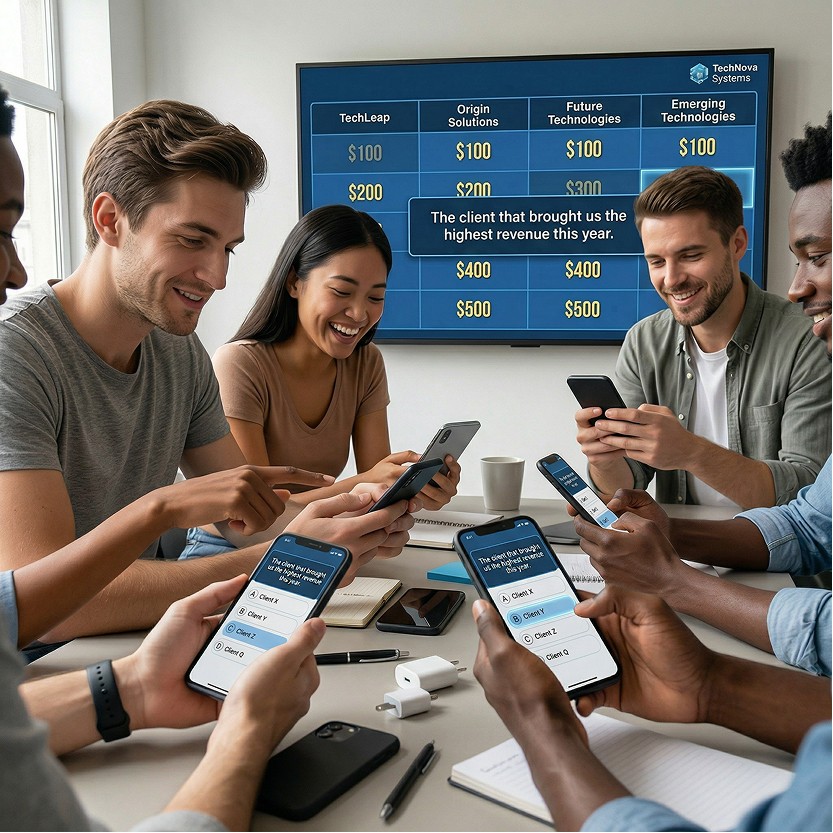
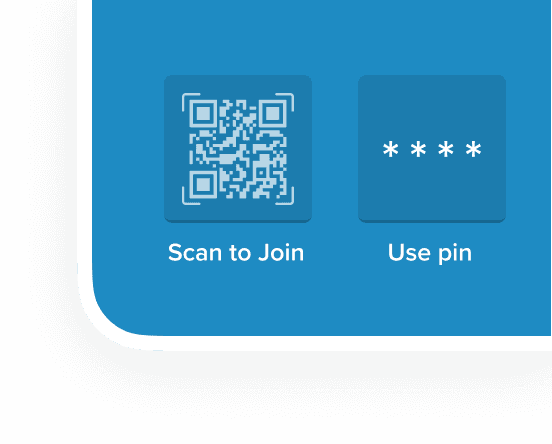
Factile is the simplest way to run virtual Jeopardy at work. Type in a topic, upload a document, or let the AI build the whole game for you. Your team joins from their phones with a QR code or PIN. No accounts, no app, nothing to set up.
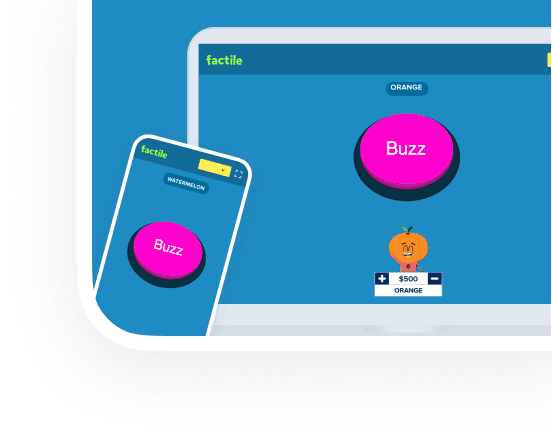
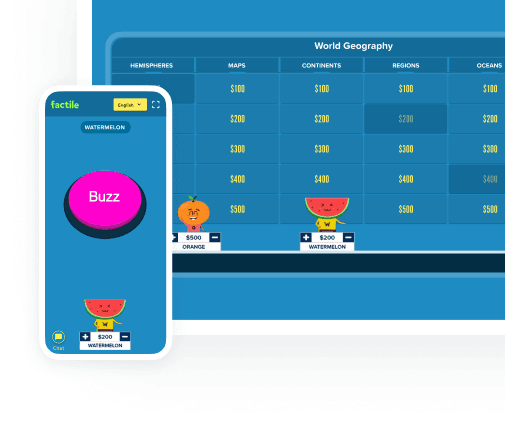
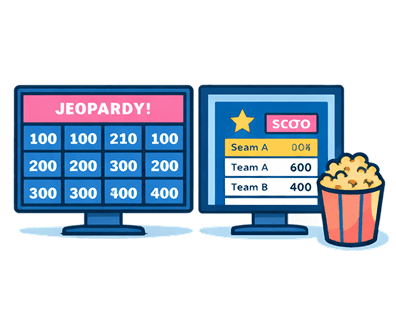
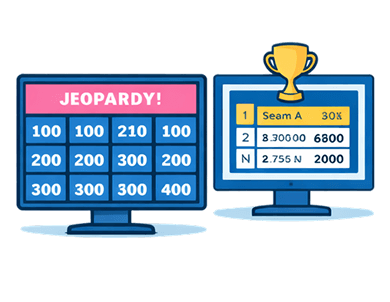
From there it runs itself. Players buzz in from their phones, scores update live on a shared leaderboard, and you control the pace. Screen-share the board to a remote audience with Remote View, or push the scores to a second screen so the main display stays on the game. Drop in your company logo to brand the board, and mark a game Private so internal content can’t be searched for or copied by anyone outside your company. Whether it’s a five-minute icebreaker or a 500-person all-hands, the setup is the same.
Built-for-Work Features

AI Game Creation + Custom Branding
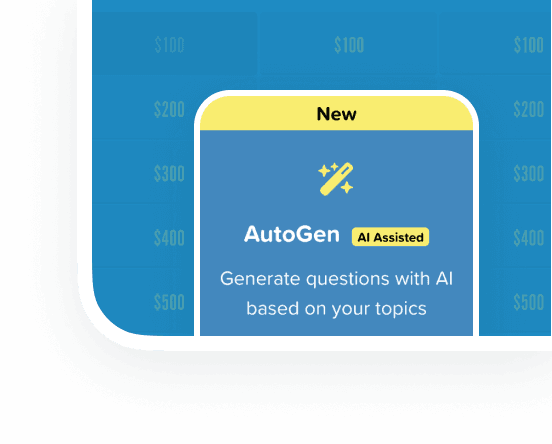
Type in a topic, like “company trivia” or your last product launch, and the AI builds a ready-to-play game in minutes. Or upload a document and let it pull the questions out for you. Then add your logo so the board shows up branded.

Scales to 100 Teams / 500 Players
A 10-person standup or a 500-person all-hands runs the same way, with up to 100 teams in a single session and everyone buzzing in from their own phone. It doesn’t bog down when the room gets big.

Preconfigure for Large Gatherings
Set everything up before the event, including teams, gameplay settings, and the Double and Final rounds, so there’s nothing to fiddle with once people are watching. Handy for conferences, sales kickoffs, and all-hands where you can’t afford a setup scramble on stage.

Private Games + PIN Sharing
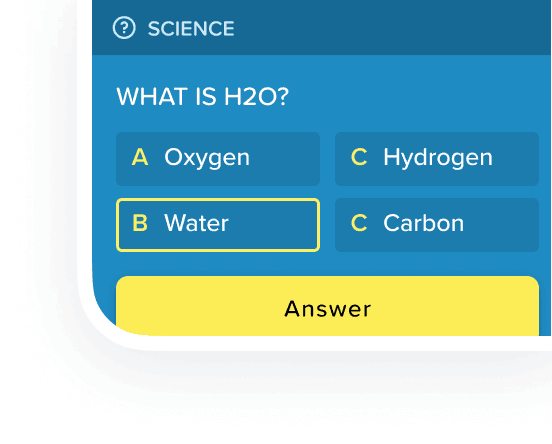
Mark a game Private and it can’t be searched for or copied by anyone outside your company. You hand out the PIN, so only the people you invite can join. This is the setting you want for anything built on internal info, training material, or proprietary content.

Remote View + Second Display Support
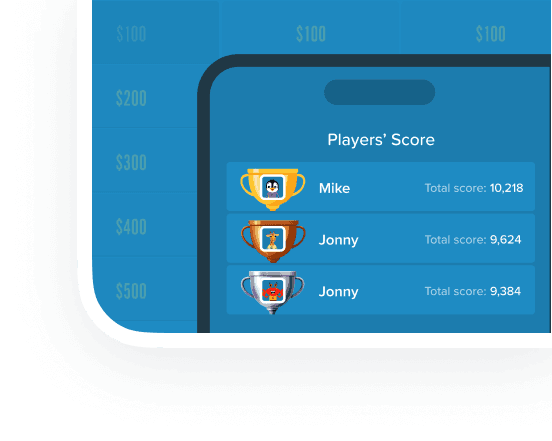
Remote View screen-shares the board to a remote audience, while the second-display option puts team names, scores, and the leaderboard on their own screen, so your main display stays clean. It’s built for the hybrid setup where half the room is in person and half is on the call.

Verification Mode for Training
Need to prove a training module got done? Verification Mode records who finished the game, which gives L&D teams and managers an actual completion record for compliance training, onboarding, or anything that has to be documented.




Used by 100% of Fortune 50, including Amazon, Microsoft, Meta, and Walmart.
Over 10 million games hosted since 2017. Relied on by thousands of L&D teams, HR departments, and managers worldwide.











What Changes at Work


Setup in under 2 minutes
The AI takes you from idea to playable game in a couple of minutes, or you can grab one of 2 million-plus ready-made games and start now. Either way, your evening doesn’t get spent building a quiz in PowerPoint.